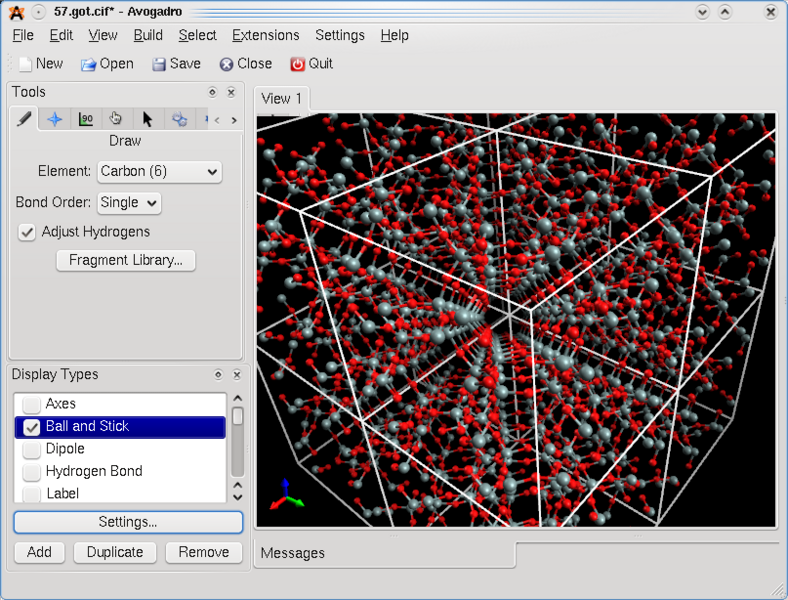
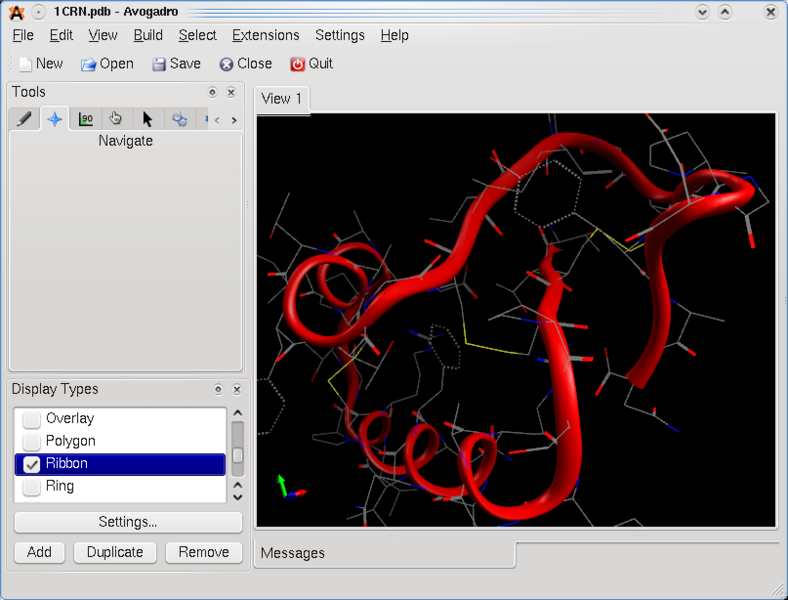
Salah satu aplikasi kimia yang sering dipakai sebagai viewer dalam komputasi adalah software VMD.

"VMD is a molecular visualization program for displaying, animating, and analyzing large biomolecular systems using 3-D graphics and built-in scripting"
Untuk memasang VMD dalam Blankon/Ubuntu/Linux perlu dilakukan langkah-langkah berikut:
1. Download source code VMD dari website-nya yaitu http://www.ks.uiuc.edu/Research/vmd/vmd-1.9/files/final/vmd-1.9.bin.LINUX.opengl.tar.gz
2. Masuk ke terminal dengan klik Aplikasi --> Aksesoris --> Terminal atau tekan "Ctrl+Alt+T"
3. Masuk ke direktori tempat download file VMD
4. Ekstrak file tersebut dengan ketik: tar -xvf vmd-1.9.bin.LINUX.opengl.tar.gz
5. Masuk ke folder hasil ekstrak file VMD, ketik cd vmd-1.9
6. Baca file README dengan ketik: gedit README. Perhatikan bagian akhir file: Quick Installation Instructions
7. Perhatikan langkah-langkah instalasi berikut:
Quick Installation Instructions
-------------------------------------------------
Detailed instructions for compiling VMD from source code
can be found in the programmer's guide.
The Windows version of VMD is distributed as a self-extracting
archive, and should be entirely self explanatory.
The native MacOS X version of VMD is packaged as a disk image and is
extracted by opening the disk image, and dragging the "VMD" application
contained inside into an appropriate directory.
For quick installation of the binary distribution for Unix do the following:
1) Uncompress and untar the distribution into a working directory.
In this working directory, there are several subdirectories such
as bin, src, doc, data, as well as this README and a configure script.
Change to this working directory after the unpacking is complete.
2) Edit the file 'configure'; change the values for
the $install_library_dir and $install_bin_dir to a directory in
which vmd data files and executables should be installed, be sure
that you installing into a clean target directory and not overwriting
an existing version of VMD (which would otherwise give problems):
$install_bin_dir is the location of the startup script 'vmd'.
It should be located in the path of users interested in running VMD.
$install_library_dir is the location of all other VMD files.
This included the binary and helper scripts. It should not be
in the path.
3) A Makefile must be generated based on these configuration variables
by running "./configure".
4) After configuration is complete, cd to the src directory,
and type "make install". This will install VMD in the two
directories listed above. Note that running "make install"
twice will print error messages because you are attempting to
overwrite some read-only files. Similarly, if you have incorrectly
specified the target installation directories or attempt to overwrite
an existing VMD installation, you will get error messages.
5) When installed, type 'vmd' to start (make sure the
$install_bin_dir directory is in your path).
8. Baca file "configure", perhatikan bagian awalnya:
#!/usr/bin/env perl
# (C) Copyright 1995-2011 The Board of Trustees of the University of Illinois
# All Rights Reserved
#
# Usage: configure [ optionlist ] (See full option description down below)
# Perl 5.x must be in your path, and /usr/bin/env must exist in order
# for this to work correctly.
#################################################
# User modifiable installation parameters, can be overridden by env variables
#################################################
# Name of shell script used to start program; this is the name used by users
$install_name = "vmd";
# Directory where VMD startup script is installed, should be in users' paths.
$install_bin_dir="/usr/local/bin";
# Directory where VMD files and executables are installed
$install_library_dir="/usr/local/lib/$install_name";
# optionally override hard-coded defaults above with environment variables
if ($ENV{VMDINSTALLNAME}) {
$install_name = $ENV{VMDINSTALLNAME}
}
if ($ENV{VMDINSTALLBINDIR}) {
$install_bin_dir = $ENV{VMDINSTALLBINDIR}
}
if ($ENV{VMDINSTALLLIBRARYDIR}) {
$install_library_dir = $ENV{VMDINSTALLLIBRARYDIR}
}
9. Okay, sekarang masuk ke folder vmd-1.9
10.ketik: ./configure
11. masuk ke folder "src" dengan ketik: cd src
12. ketik: make install
13. Biarkan sampai instalasi selesai
14. untuk menjalankan software VMD ketik: vmd [Enter]
15. Selamat berlatih!